
DVD-quality lessons (including tabs/sheet music) available for immediate viewing on any device.
Take your playing to the next level with the help of a local or online resonator guitar teacher.
Monthly newsletter includes free lessons, favorite member content, resonator guitar news and more.
Premier Sponsors


|
Please note this is an archived topic, so it is locked and unable to be replied to. You may, however, start a new topic and refer to this topic with a link: http://www.resohangout.com/archive/56201
Biggfoot44 - Posted - 01/14/2022: 10:11:35
I am the most computer illiterate person able to post on forums . so don't laugh .
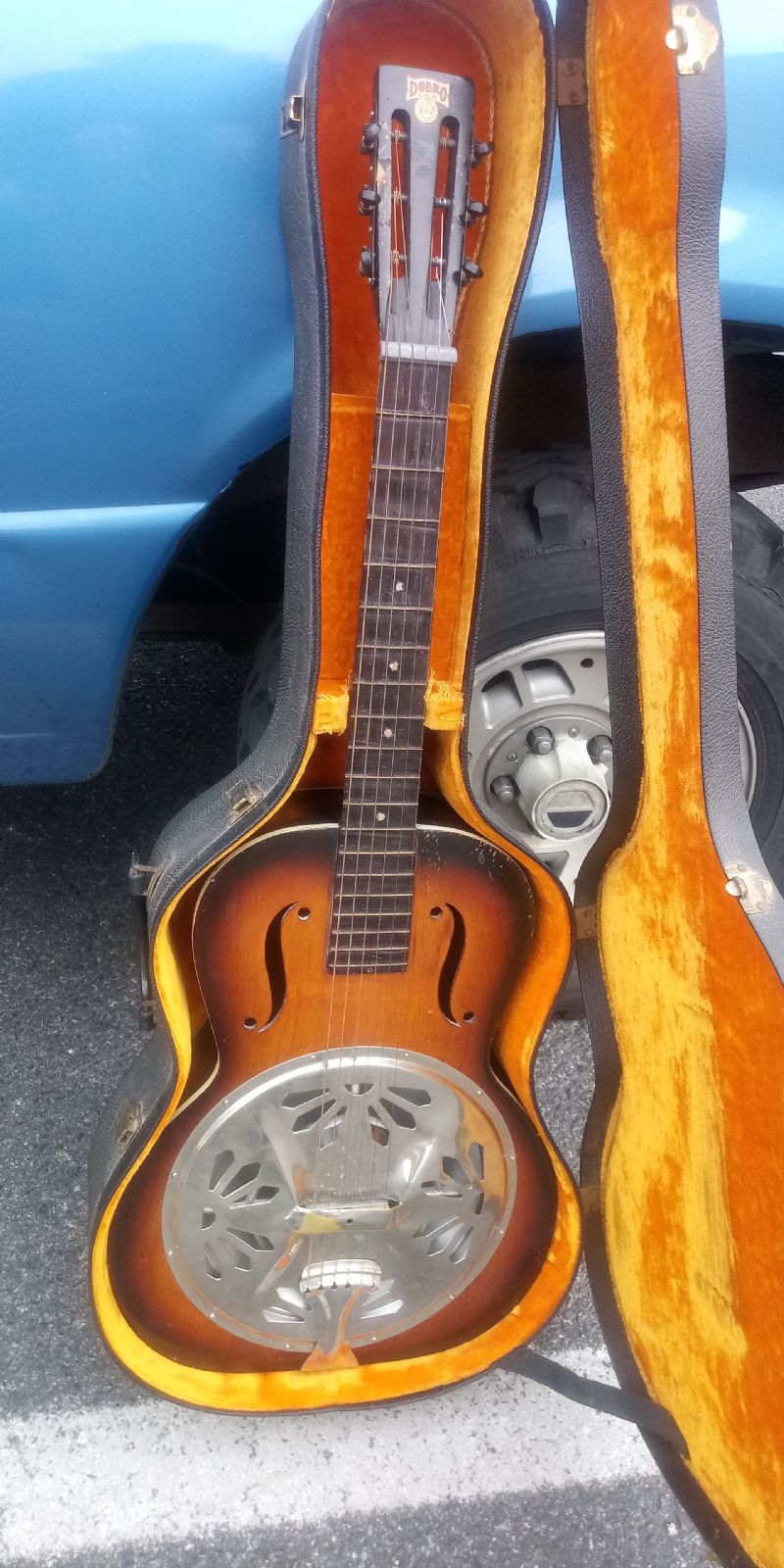
I wish to use this photo as profile pic . It is already in my photo whatchamacallit here , and I used it in my thread about it . ( Actually , my daughter did it for me .)
( In very simple words) How do I do this ? When I went to what I think is proper place here , it seemed to offer a choice of a few stock images , or uploading from scratch ? ( The original pic is in my previous smarter than me phone , not my current " new to me " smarter than me phone .)
Three_Eyed_Willy - Posted - 01/14/2022: 14:42:49
If you have a computer, upload this photo to your computer as an email attachment. Then you can upload it to the site from your computer. You might want to see if you can modify it so it is a square photo rather than a rectangular one.
Edited by - Three_Eyed_Willy on 01/14/2022 14:44:59
Biggfoot44 - Posted - 01/14/2022: 21:36:25
It's already on the site . ( My photo thing below the reply box ? )
Change into a square ? Huh . I used to correct and crop pics ..... Back in days of Win 3.1 , when digital cameras used VGA resolution . Wouldn't that either make the instrument very squished , or result in huge black borders next to actual image too small to see ?
Oh well , seemed like a good idea briefly .
MarkinSonoma - Posted - 01/15/2022: 14:07:54
Something is amiss, I tried to upload a new photo from my hangout library - didn't work.
I sent the following message to webmaster Eric:
Eric, one of the members started a thread about wanting to use an image from his Resohangout library as a profile photo. I decided to see what the deal is - tried to change mine from my library, but only the stock images are available. Something is wrong - I was able to upload from my photo app on my iPhone, but I can't do it from my existing hangout library.
Terms of Use | Privacy Policy | Privacy Consent (EU/GDPR Only)
Copyright 2026 Reso Hangout. All Rights Reserved.


