
DVD-quality lessons (including tabs/sheet music) available for immediate viewing on any device.
Take your playing to the next level with the help of a local or online resonator guitar teacher.
Monthly newsletter includes free lessons, favorite member content, resonator guitar news and more.
Premier Sponsors


|
Please note this is an archived topic, so it is locked and unable to be replied to. You may, however, start a new topic and refer to this topic with a link: http://www.resohangout.com/archive/59271
l2t - Posted - 08/14/2024: 06:39:36
I saw the attachment area and uploaded a photo there just as I test. But it simple shows a partially-complete image on the bottom of the page when composing a new post. Is that one photo appear at the bottom of every post?
Is there some way to upload photos and have them appear inline within a single post?
-l2t
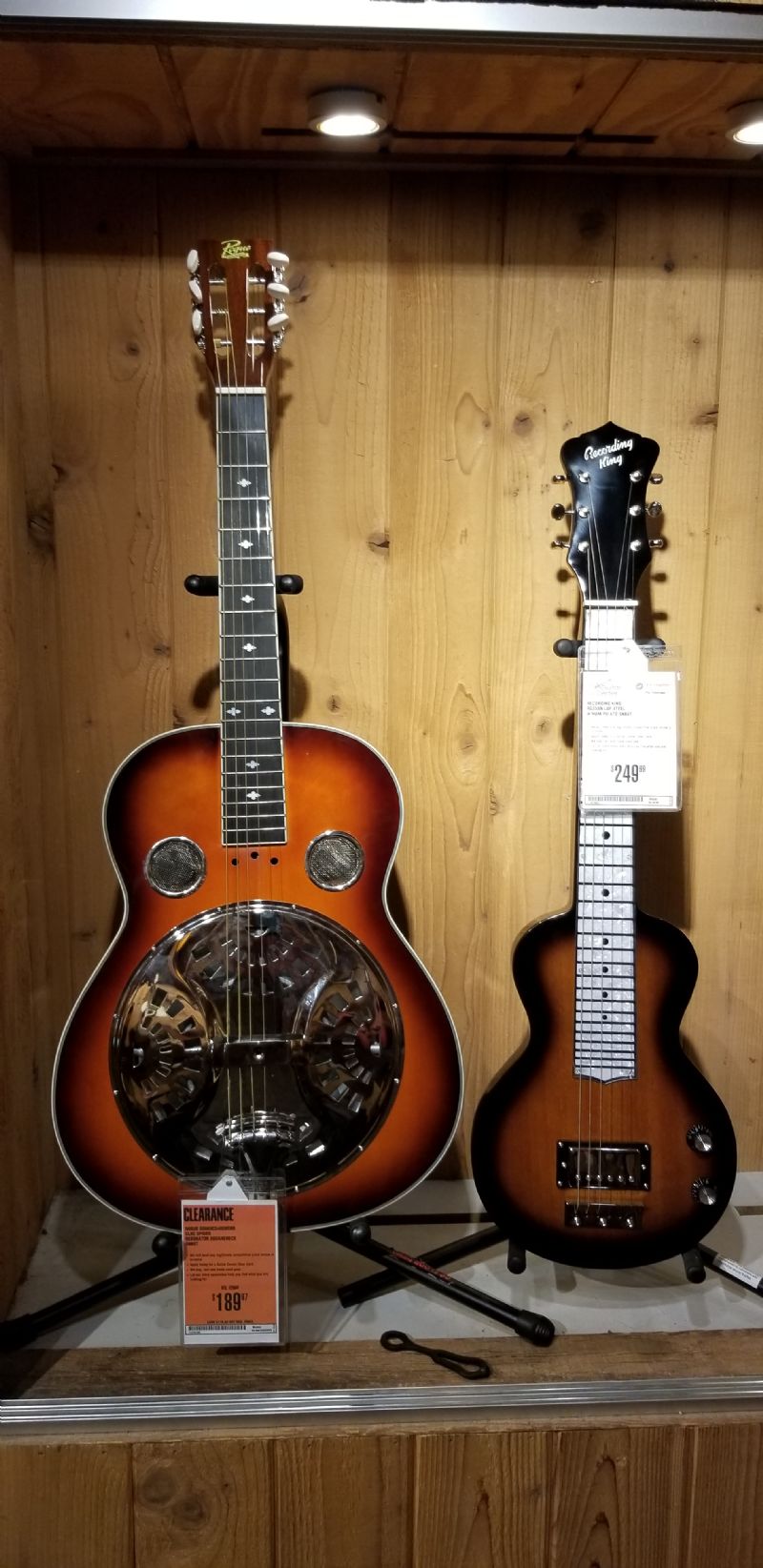
l2t - Posted - 08/14/2024: 06:59:09
It looks like the post I did last time included a photo. Maybe it was because I clicked on the thumbnail at the bottom while I was posting. Hoping to figure out how it works here.
MarkinSonoma - Posted - 08/14/2024: 11:02:39
I'm not clear regarding the question.
When I post a photo, I click Upload Photo in blue below, it then takes me to the photo library on my iPhone 12 where I can select the desired photo and it will transfer it to the tab below, I the. follow the directions to get it to appear in the post.
If I want to share a photo I have found on the Internet, I save it to the photo library on my phone, then I perform the procedure in the first paragraph to upload it to a post.
Edited by - MarkinSonoma on 08/14/2024 11:08:08
l2t - Posted - 08/17/2024: 06:43:05
I figured it out. Upload first and then after upload, click on the photo and it gets added to the post.
It appears that my list of uploaded photos is retained. I don't know if there's a way to delete old photos.
Terms of Use | Privacy Policy | Privacy Consent (EU/GDPR Only)
Copyright 2026 Reso Hangout. All Rights Reserved.


